
Swim Meet Registration Reminder – Black Oak Meet (Tuesday, June 9)
June 5th
Hello Swim Families,
Our first swim meet against Black Oak is coming up on Tuesday, June 9, and we need all swimmers to declare their attendance as soon as possible.
Why Is Meet Registration Important
Declaring your swimmer allows our coaches to:
- Create the meet lineup
- Enter swimmers in appropriate events
- Plan relays
- Ensure we have enough volunteers for the meet
Even if your swimmer cannot attend, please mark them as Not Attending so we know their status.
How to Register Your Swimmer for the Meet
Option 1: Through the SwimTopia App
- Open the SwimTopia app.
- Select our team.
- Tap Schedule.
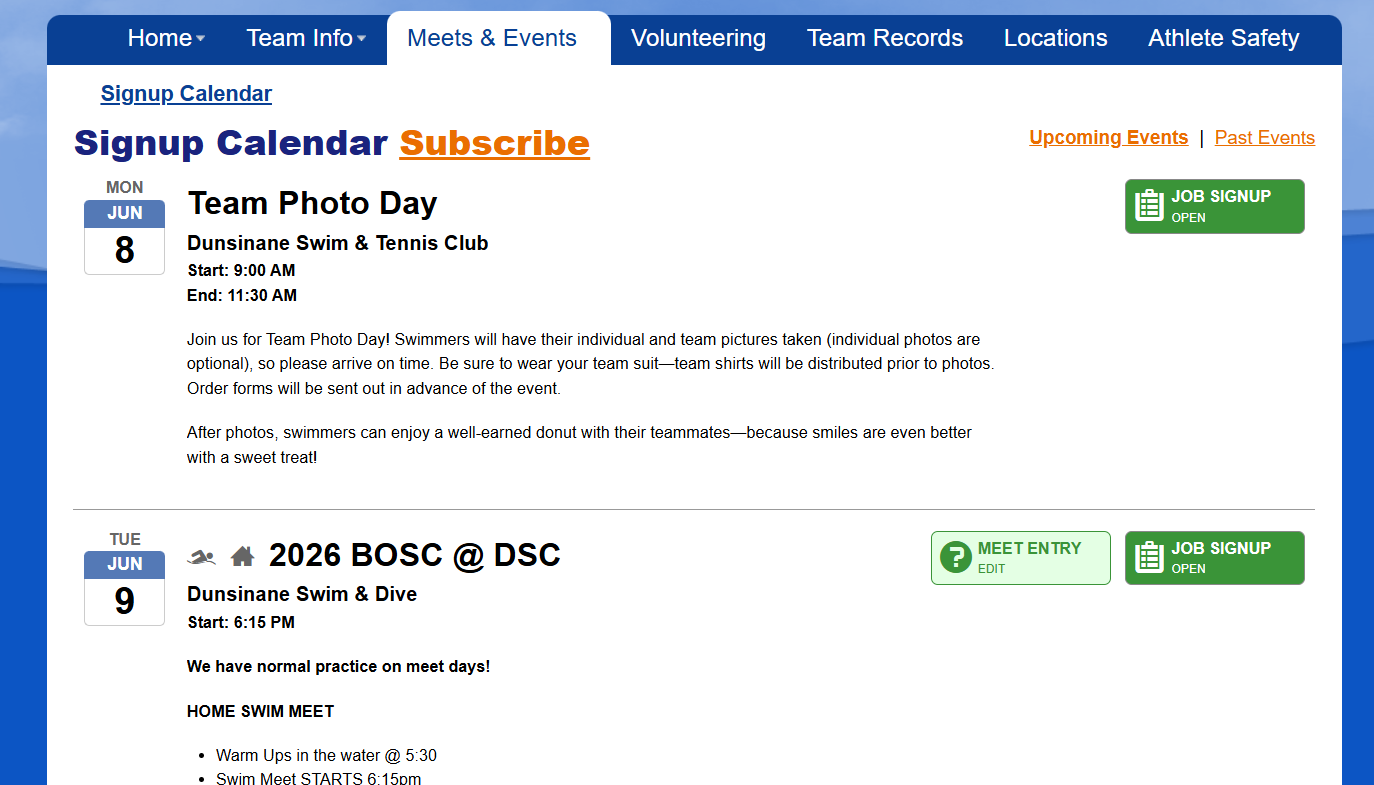
- Select Black Oak vs. Dunsinane – June 9.
- Tap Meet Entry/Attendance.
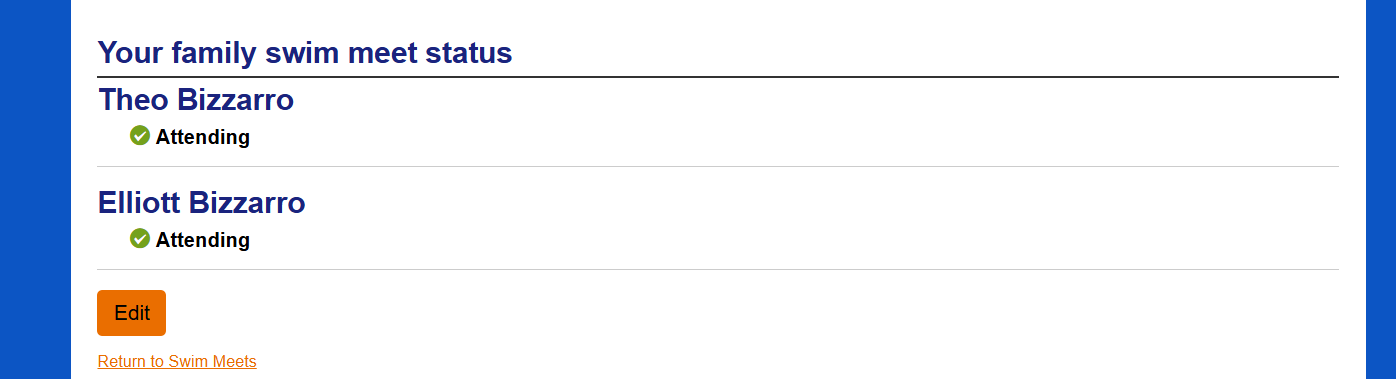
- Mark each swimmer as:
- Attending
- Not Attending
- Save your selections.
Option 2: Through the SwimTopia Website
- Log in to your SwimTopia account.
- Click Schedule.
- Select the Black Oak Meet (June 9).
- Click Meet Entry or Attend/Decline.
- Declare attendance for each swimmer.
- Save your selections.
SwimTopia App Features
Free Features (Available to Everyone)
- Team push notifications
- Team calendar
- Meet entries displayed
- Swimmers’ time history
- Meet signup
- Live event/heat tracker
Premium Features (Optional Paid Upgrade Through SwimTopia)
- Estimated start times
- Job signup
- Jobs displayed
- Results updates
- Heat Sheets
- Swim reminders
- Team scores
- Premium Cost
- $5.99/month or $14.99/yr
Family subscription
The premium subscription is completely optional. Families can participate fully in the swim season using the free version of the app.
If you have any questions or need help registering your swimmer, please reach out. We are happy to help!
Thank you,


